|
• Copy the firmware file v2000.bin* to the root
directory of the V-2000 disk.
• Safely eject the V-2000 disk and disconnect the USB-C
cable.
* Do not rename the firmware file.

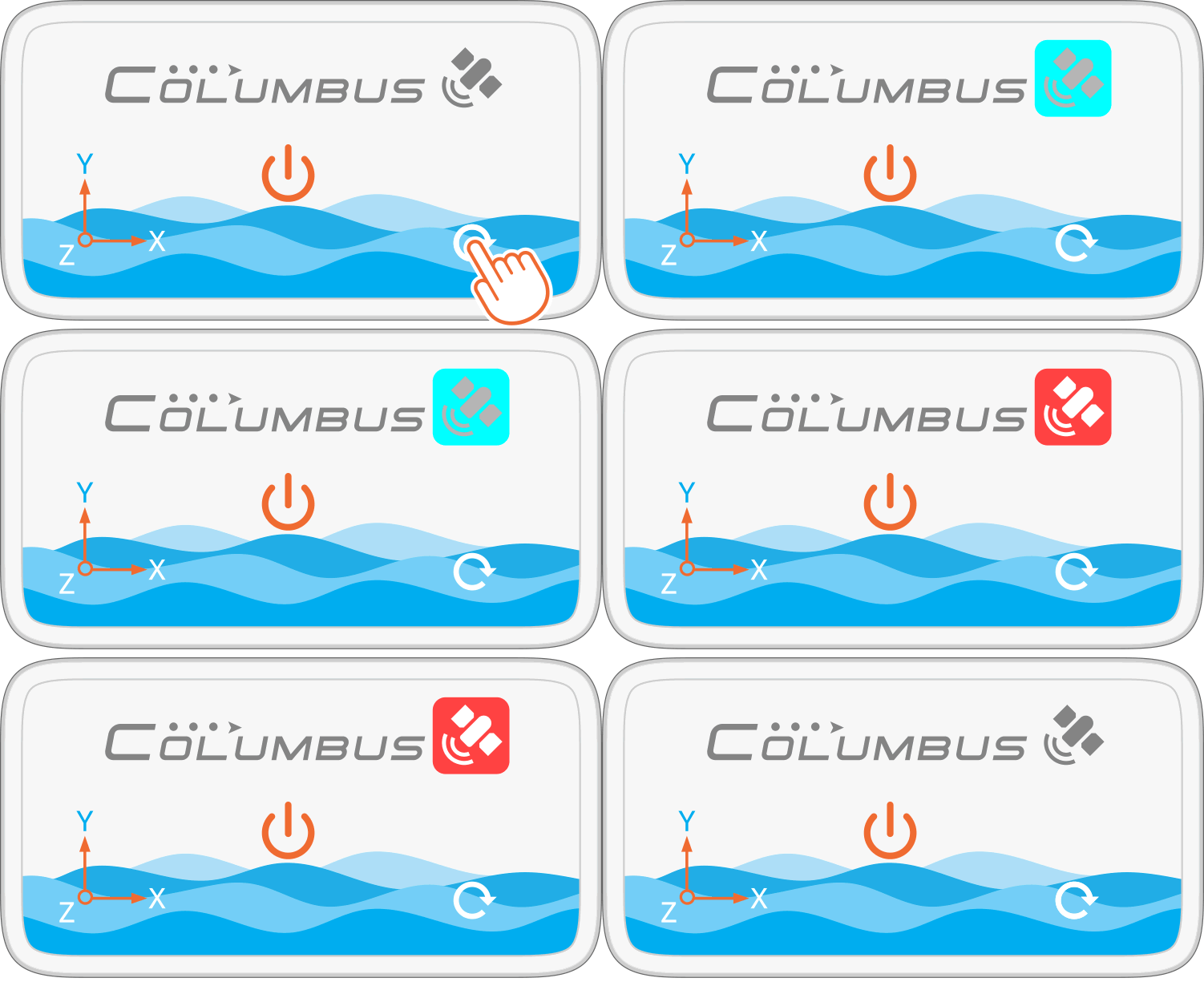
• Press the Reset Button once. The Status Indicator will
flash red and cyan alternately.
• Wait approximately 10 seconds. When the Status Indicator
turns off, the firmware update is complete.
Note:
Do not press any buttons during the firmware update. | 