Nano GNSS Motion Data Logger User Manual
> View Tracks <
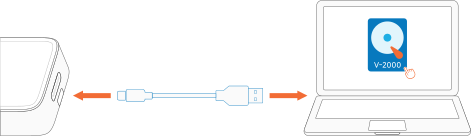
With the V-2000 powered off, connect it to a computer. The computer will recognize a disk named “V-2000”.
* Note: V-2000 cannot be recognized by a computer when powered on. After powering off, wait 8 seconds before connecting it to the computer.
Open the disk to view folders organized by year and month.
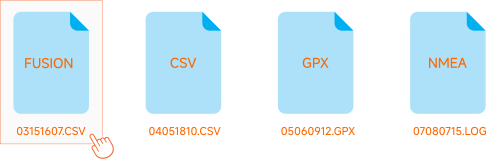
Open the corresponding folder to view the track files.
For example, 03151607.CSV indicates that the file started recording at 15:16:07 on the 3rd.
< Recording Your First Track
▲ Back to Top
Play Back Tracks >